
A ready-to-show library
Implants, gum care, orthodontics, children’s dentistry, prosthetics, oral hygiene… 21 categories written for patients, illustrated, each with its video intro.
Illustrated patient education slides, ready to show. Choose what plays, add your own messages: DentoVision takes care of the rest, on all your TVs.
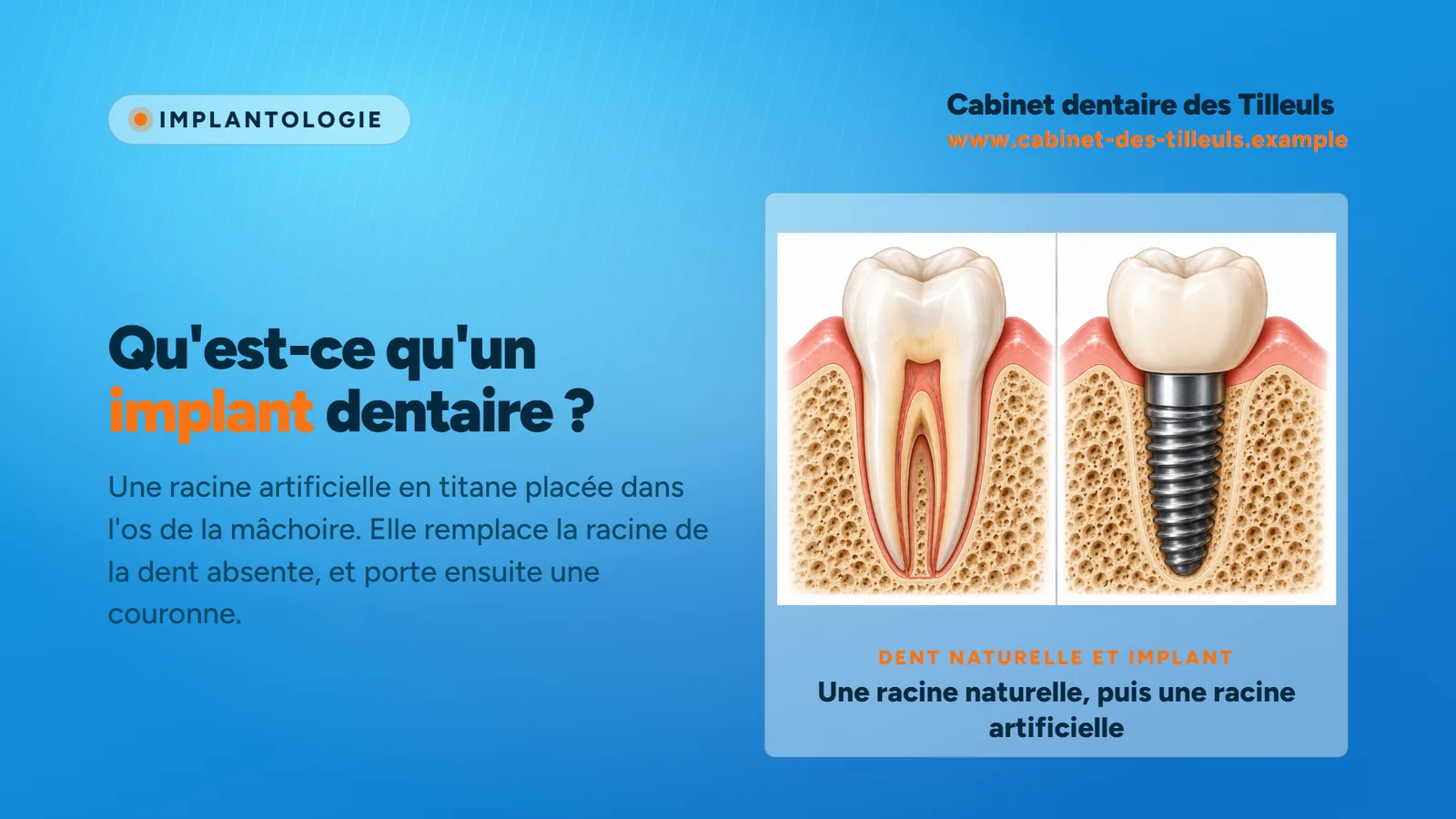
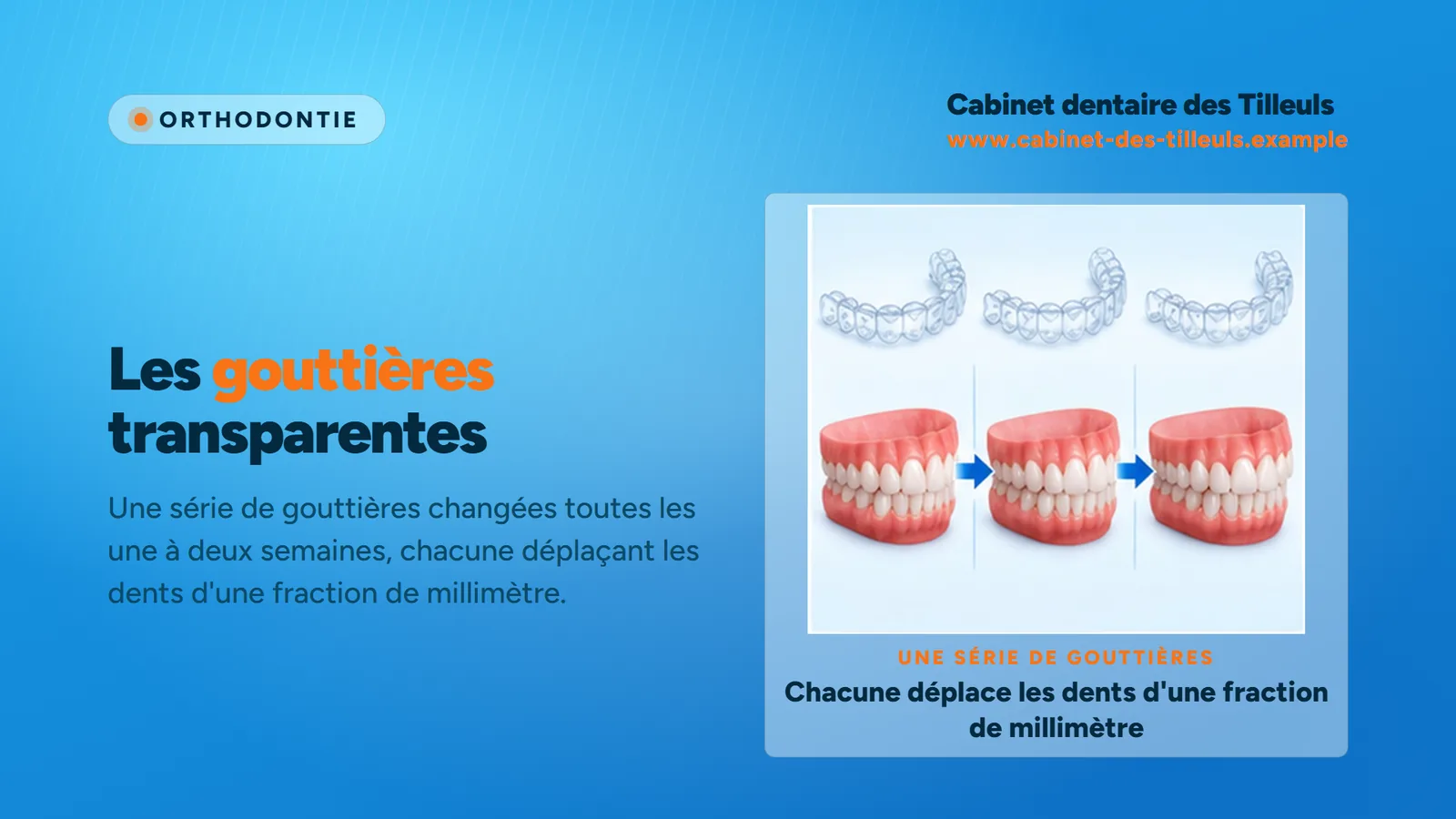
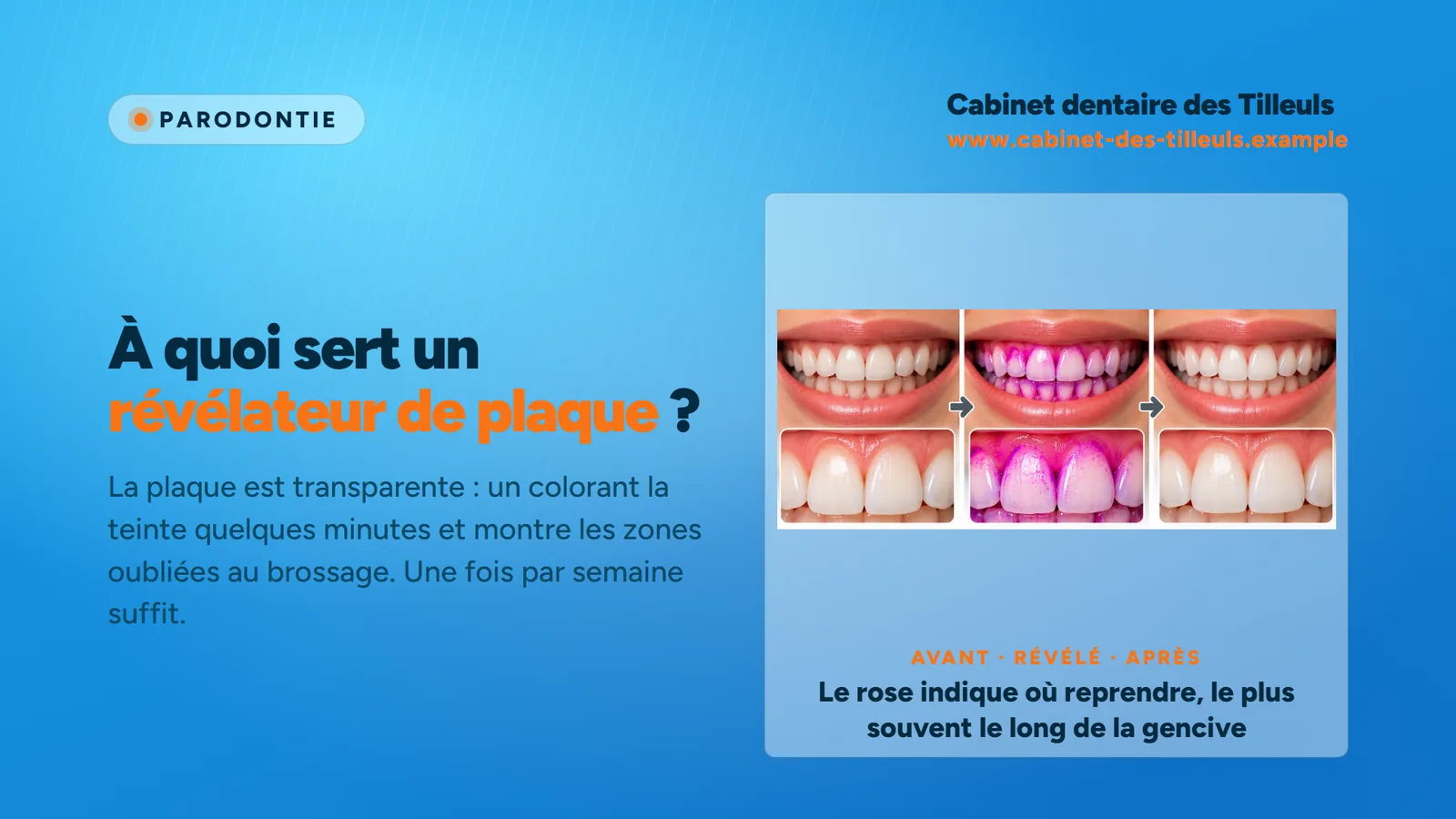
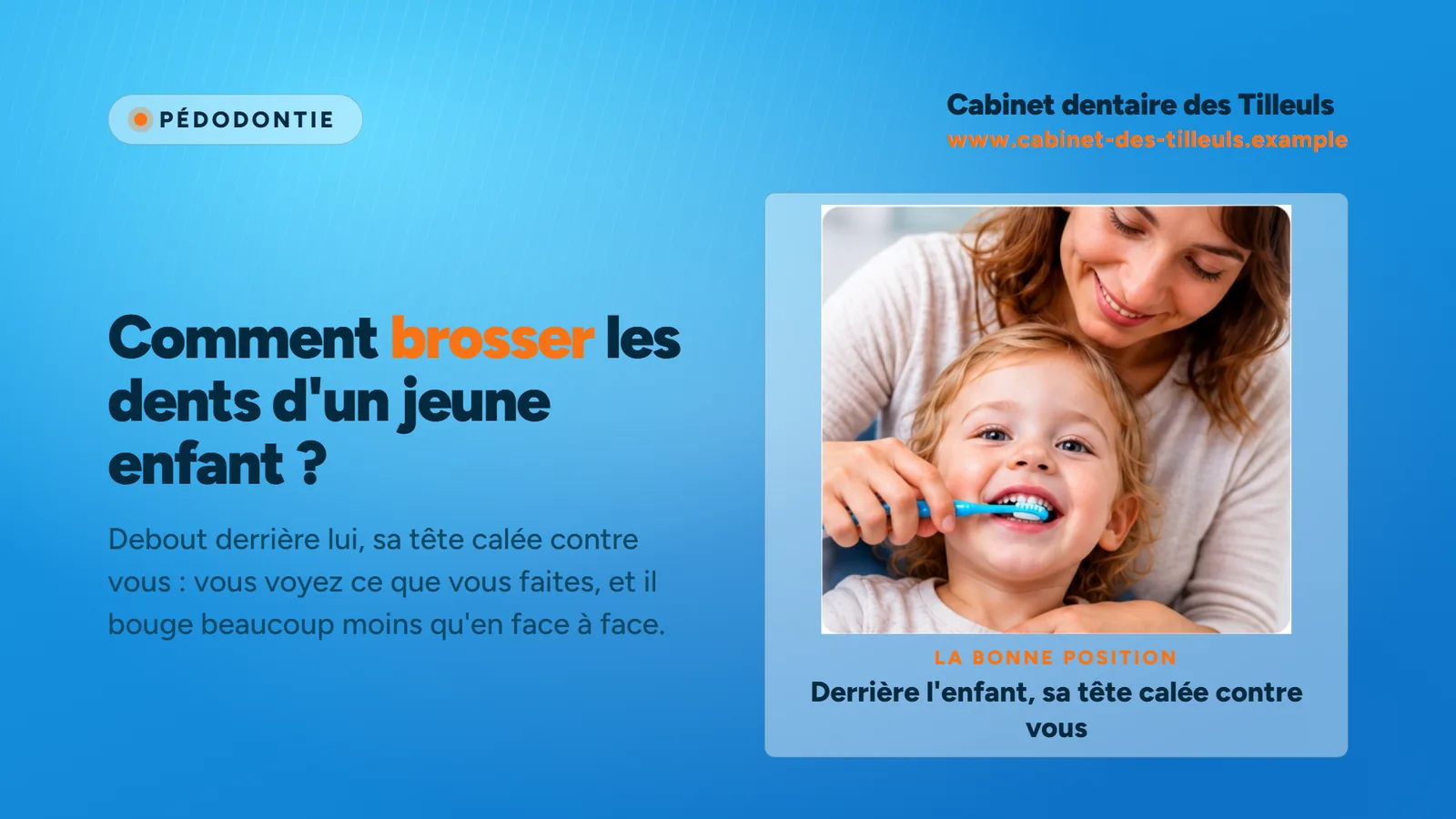
Real slides from the library (French version), exactly as shown on the TV
Who better than a dentist to know every question patients ask? DentoVision was born in a dental practice, chairside, from the questions heard every day.
“Is it going to hurt?”
“Why an implant rather than a bridge?”
“How long will I wear my aligners?”
“Why do my gums bleed?”
The answers are already playing on the waiting-room screen.
No USB stick to update, no software to install on the TV.
Sign up online with your professional registration number. Every practice is checked before it is activated.
Open DentoVision on the TV: a code appears. Type it into your account, or scan the QR code with your phone.
The slides play on their own. Change what plays from your computer or your phone, and the TV follows.
Patients wait more pleasantly and reach the chair better informed.
Implants, gum care, orthodontics, children’s dentistry, prosthetics, oral hygiene… 21 categories written for patients, illustrated, each with its video intro.
Build your playlists and schedule them by day and time: children’s dentistry on Wednesdays, implants on Thursdays.
Introduce your team, your opening hours, what’s new, with your photos and videos. The “Your practice” slides fill themselves in from your practice details.
“The dentist is running about 15 minutes late”: the message appears on the TV, then disappears on its own.
Closures, reminders, welcome messages: a banner in the colour of your choice, on all your TVs.
Google reviews, waiting-room Wi-Fi, your website: patients scan from their seat.
Each category opens with a short animation. Replace it with your own video if you wish.
Your logo and practice name on screen, a colour theme of your choice, the time and date.
Connection down? The TV keeps playing the last content it received.
Short texts, careful illustrations, a layout designed for TV. Shown here in French: the English library is in preparation.
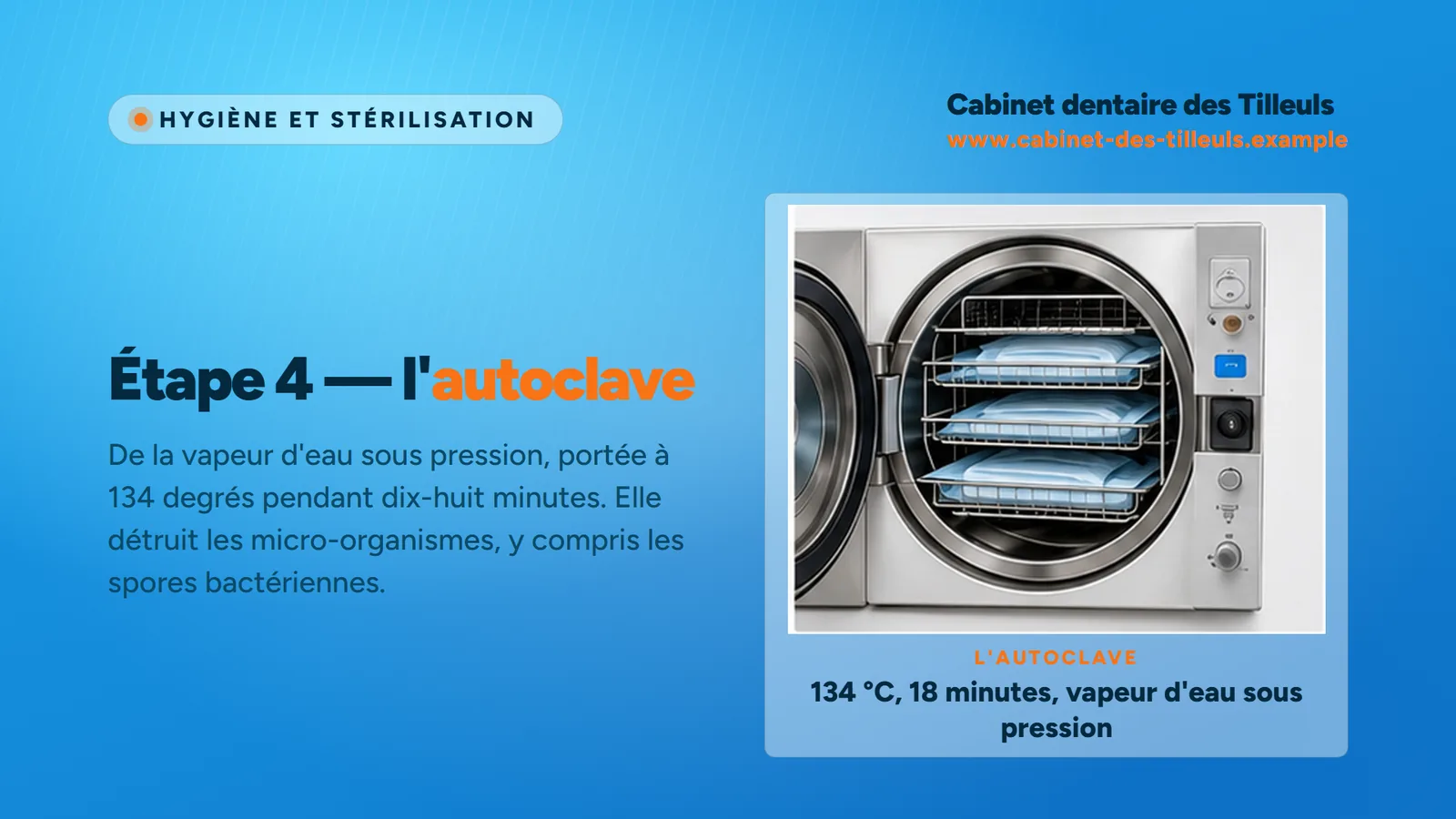
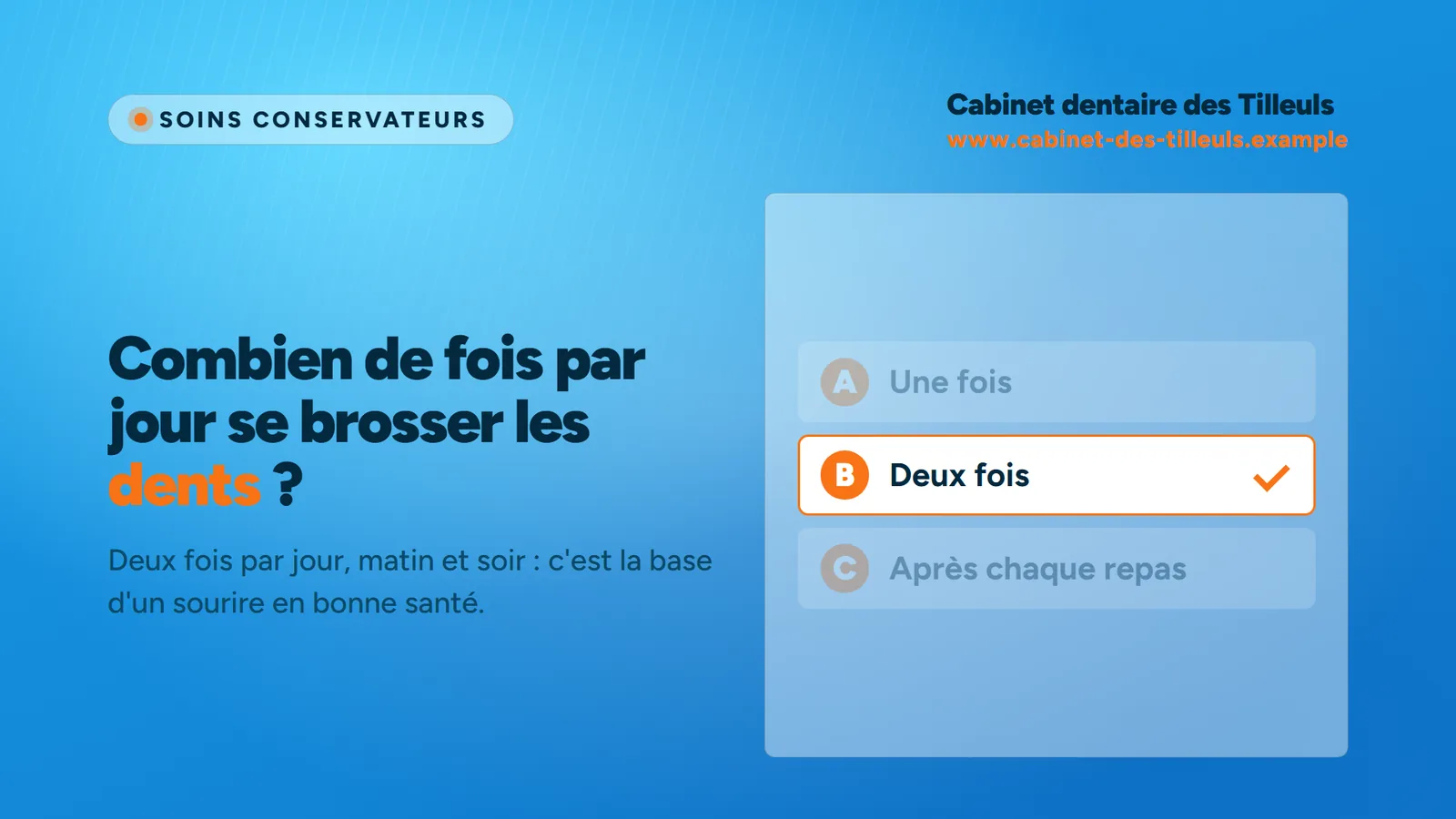
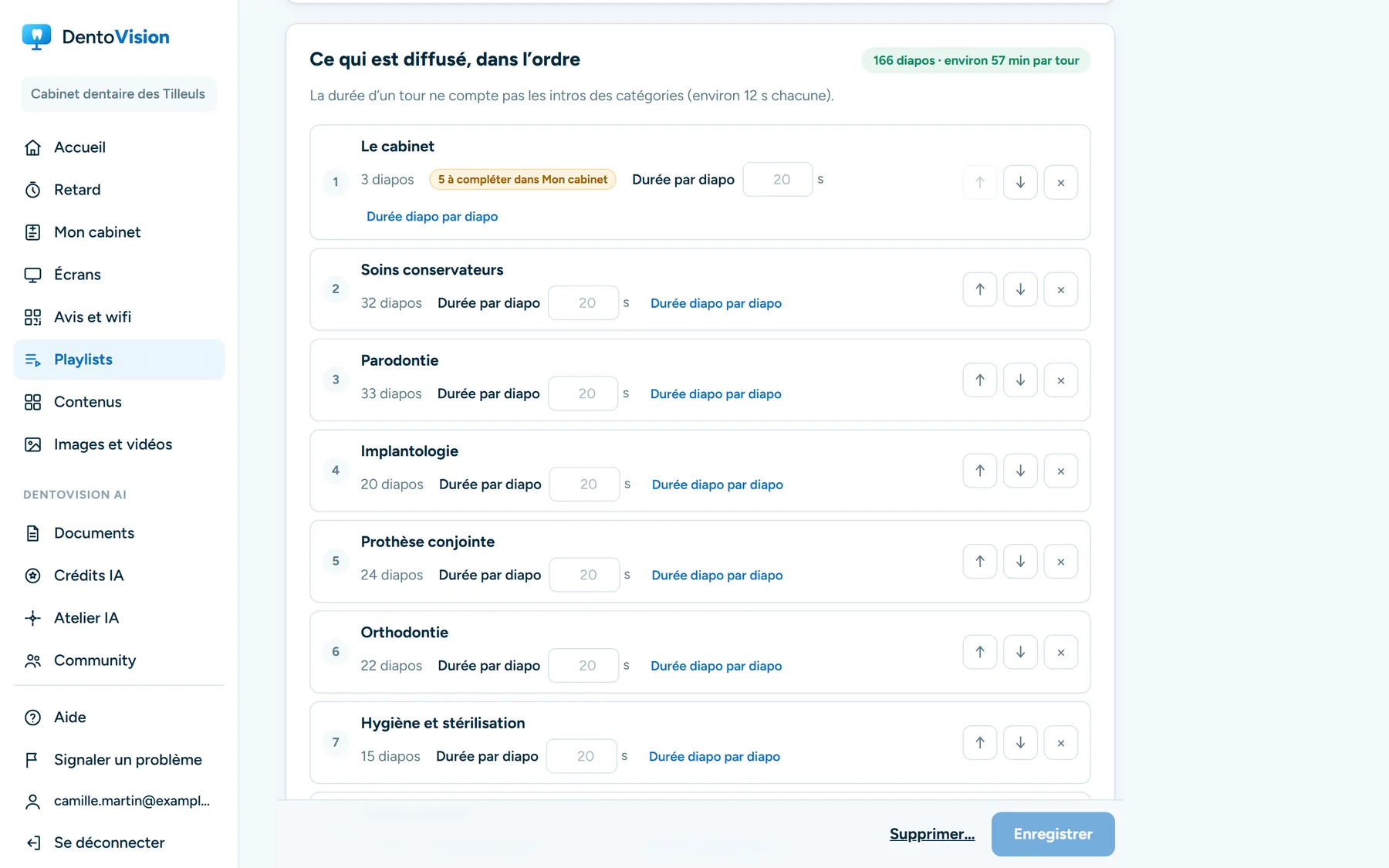
From your computer, choose the categories, reorder the slides, hide the ones that don’t apply to you.
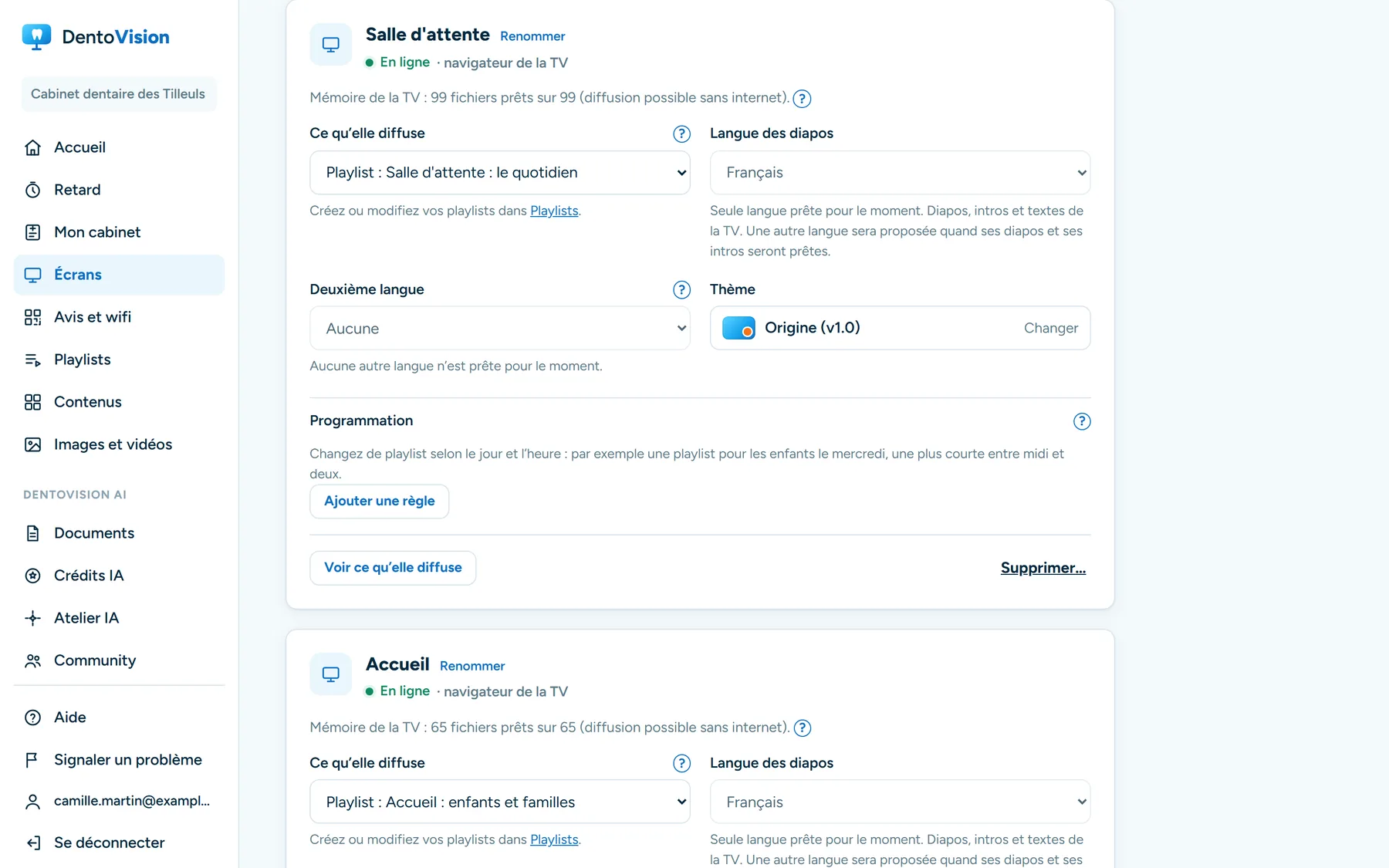
Waiting room, reception, treatment room: each screen has its own playlist, theme and language, and you can see at a glance that it is working.
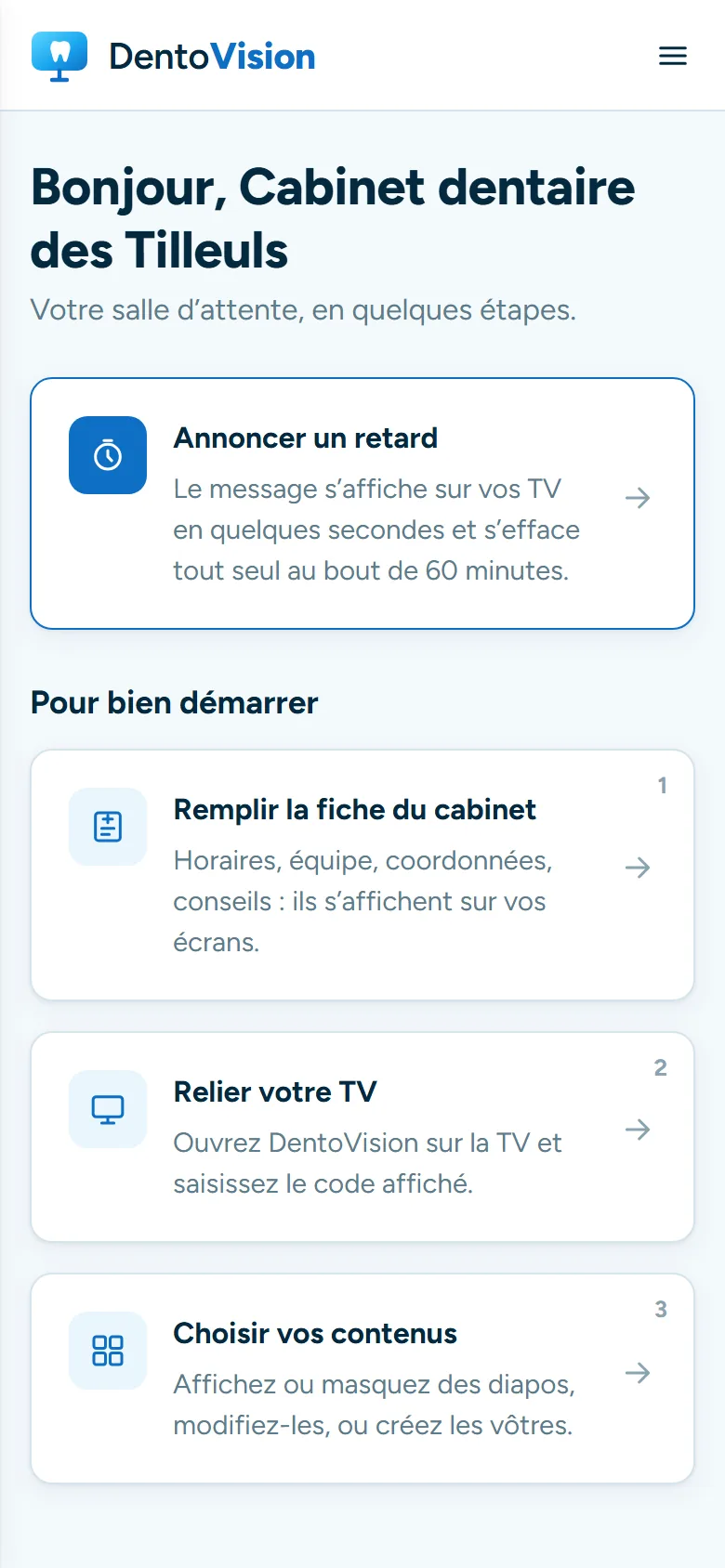
Announce a delay between two patients, check a TV is switched on: DentoVision installs on your phone like an app, on iPhone and Android alike.
The TV you already have, a Fire TV stick, a computer, a tablet: DentoVision adapts. One account for all your screens, each with its own settings.






One address to open with the remote control: nothing to install.
Coming soon
The app, on Google Play, keeps all the content on the TV or the box: it keeps playing without internet.
 Coming soon
In the Samsung TV app store, currently under review by Samsung.
Coming soon
In the LG TV app store, currently under review by LG.

On all compatible Fire TV sticks and TVs, running Fire OS or Vega OS. Plugged into the HDMI port, a Fire TV stick turns even a non-smart TV into a DentoVision screen.
Connected to a screen, it plays in full screen. DentoVision installs on it like an app.
Manage the practice from your phone, or turn a tablet into a small reception screen.
The brands and logos shown belong to their respective owners; they only indicate the devices DentoVision runs on.
Your TV is not connected, or its browser is too old? A small box or a stick plugged into the HDMI port turns it into a DentoVision screen.
The DentoVision app installs from Google Play and keeps all the content on the box: it keeps playing even without internet.
Examples of compatible devices
The simplest and most affordable option: a stick plugged in behind the TV, running Fire OS or Vega OS.
Examples of compatible devices
Delivered ready to use: plug it into the TV and it starts on DentoVision. Nothing to install, nothing to configure.
Devices given as examples: DentoVision runs on any Android TV or Google TV box with Google Play, and on compatible Fire TV sticks.
DentoVision was designed for several languages from the start: each screen chooses its own, and can even show two.
A slide is only shown in a language once its translation has been reviewed.
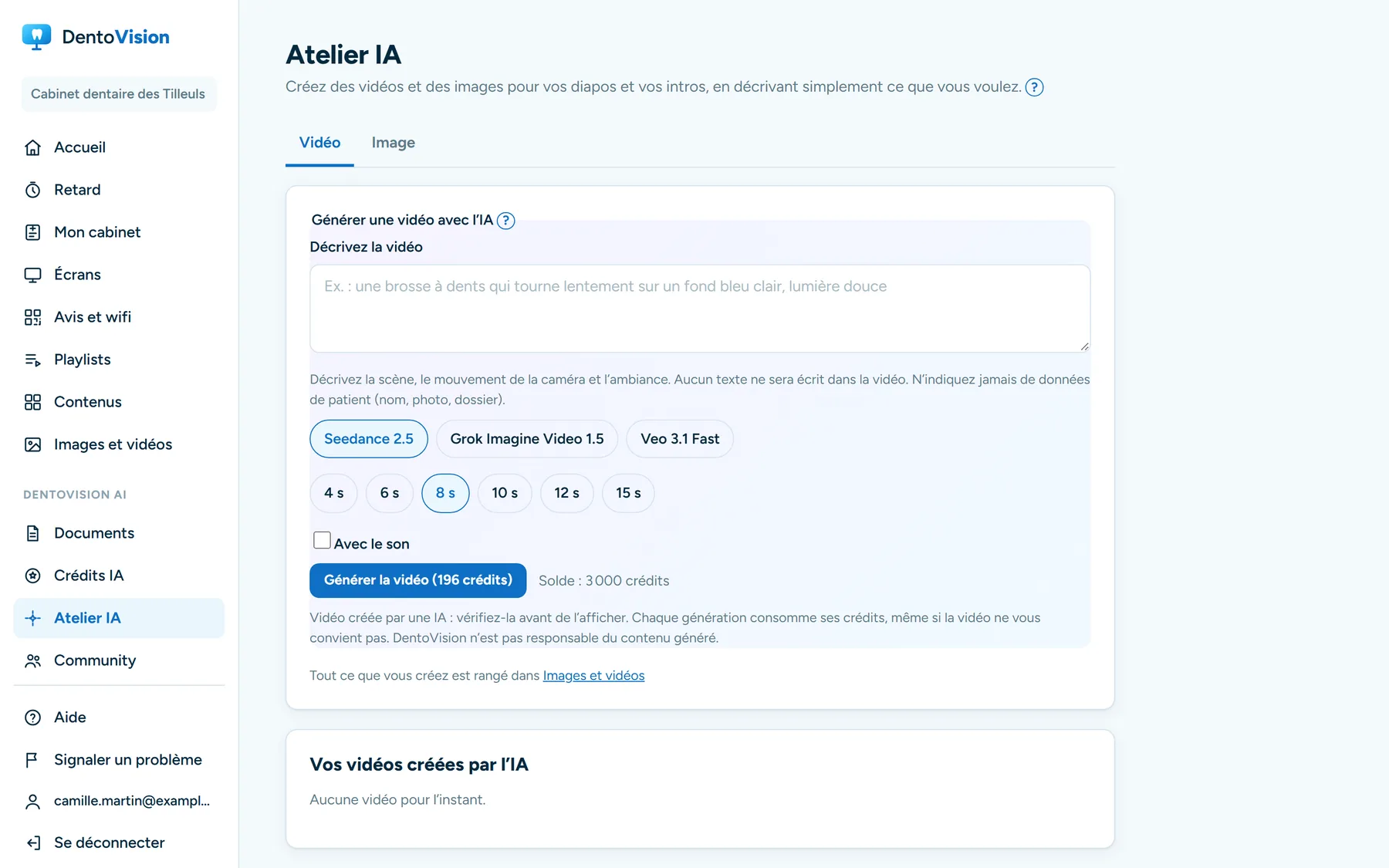
The pleasure of creating your own content, without a designer or a video editor: quizzes, documents, images, videos and intros, in a few clicks. 3,000 AI credits included every month.
Written by you or suggested by the AI on the topic of your choice. On the TV, the right answer is revealed after a few seconds.
Describe the image you want: it is created in moments and stored in your media, ready for your slides.
Short videos of 4 to 15 seconds, with or without sound, from today’s best models, your choice.
Give a category its own intro, created by the AI. The original intro remains available.
Each page becomes a slide. DentoVision checks the text stays readable on the TV and offers to split crowded pages.
Organise your slides in categories of your own, with their intro, alongside the library’s.
Share your best slides with fellow dentists and use theirs, reviewed by DentoVision before publication. Discover Community
Each creation uses credits depending on the model chosen, shown before you start. Follow your balance live.
Your own slides as images, in social media formats, ready to post.
Creating a slide that really works is a real pleasure. Seeing it play in the waiting rooms of dentists around the world is another. Community brings together the best of every practice: your creations and your colleagues’, reviewed by us and ready to show.
Illustration: the Community page in the dashboard.
A slide, a quiz, a tip: with your own images, or images created by the AI.
Checked, corrected if needed, translated, then published in its section.
Fellow dentists, in France and then around the world, add it to their screens in one click.
In every waiting room where it plays, patients understand their treatment better.
Sections for every taste
Every slide shared is one more patient who understands their treatment.
DentoVision opens to dental practices in France first. Other countries will follow, each with its own content and checks. Tell us where your practice is: we will let you know when DentoVision opens there.
DentoVision knows neither your patients nor your appointments.
Servers in France, with OVHcloud.
Only your content and ours plays on your screens.
Texts written chairside, for patients, without jargon or false promises.
No. The web browser of most recent TVs is enough, or a computer connected to a screen. Apps for Android TV, Google TV, Fire TV, Samsung and LG are coming soon.
As many as you like: the subscription covers all the practice’s TVs. Each one can have its own playlist, theme and language.
You can hide the ones that don’t apply to you and change their order. For a personal message, create your own slide: it takes a minute.
No. DentoVision is connected neither to your practice management software nor to your diary. It only knows your practice and what you choose to show.
DentoVision launches in France first. Write to us with your country: we will let you know as soon as it opens there.
Be among the first practices on board.
Write to us with your practice’s name, city and country. We will let you know when DentoVision opens for you, and we are happy to answer your questions or show you DentoVision by video call.
contact@dentovision.io · Your address is only used to reply to you (privacy).